

Interact with the DreamNeighborhood widget below to see exactly what your clients will experience.
This demo is locked to a single property, but your version works for any U.S. address and can be embedded on listings, shared via private links, or turned into a lead-capture gate.
When buyers are moving from out of town, they’re not just buying a house - they’re buying a whole life they can’t see from photos and price per square foot.
DreamNeighborhood gives you a simple way to show them what it actually feels like to live there:

How long the commute really takes.
Where they’ll grab coffee, walk the dog, or hit the gym.
What the schools, safety, and local vibe look like at a glance.
Instead of sending a dozen links and hoping they do the homework, you send one interactive experience that makes you the neighborhood expert.
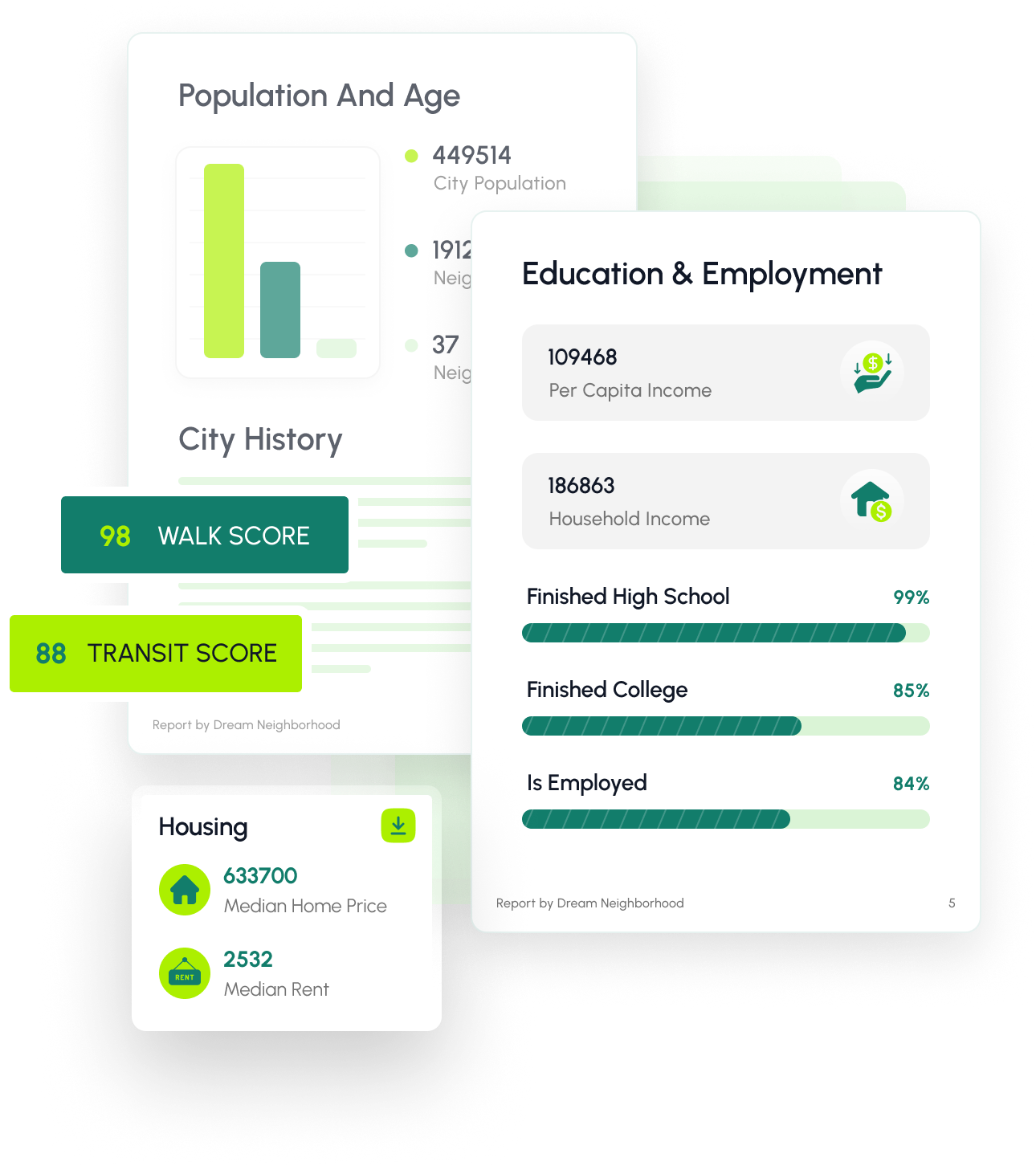

Use DreamNeighborhood wherever your buyers are: on your website, in their inbox, or on their phone at a showing.

Lead-Generating Widget For Your Listings
Turn your listing pages into powerful discovery tools.
Embed the DreamNeighborhood widget directly on any listing.
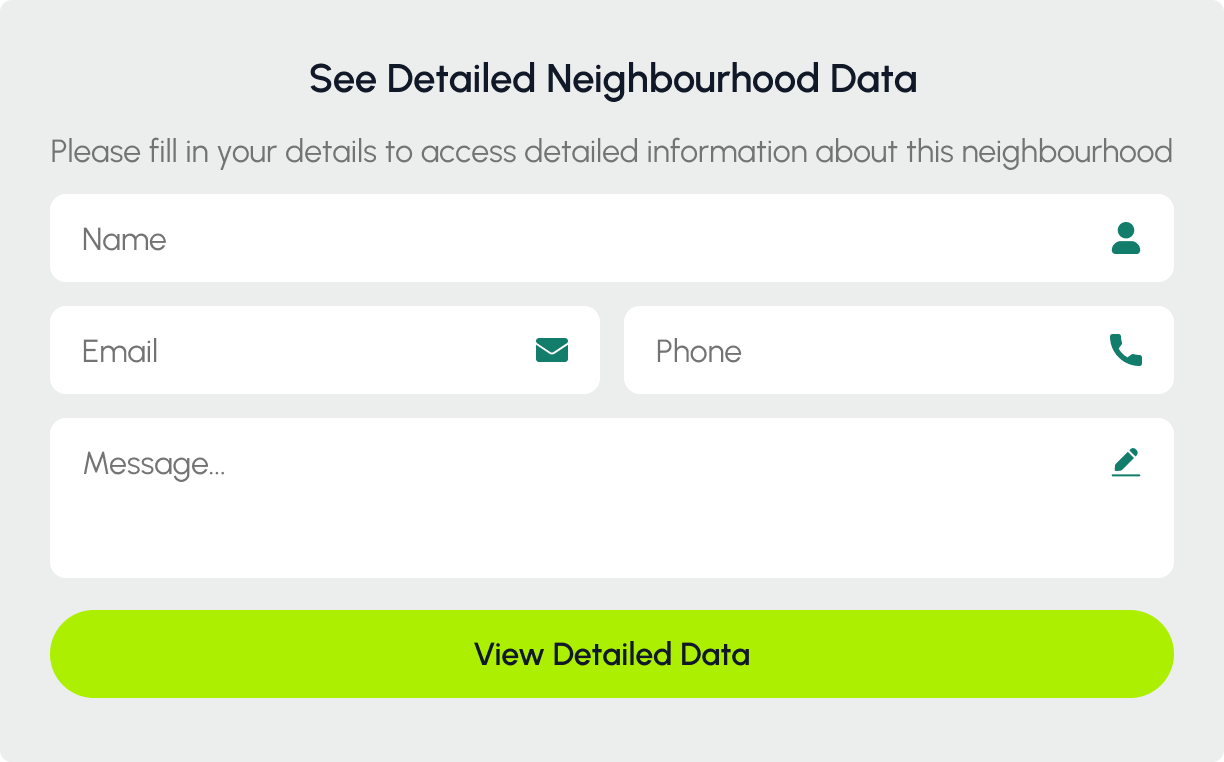
Choose whether to unlock the data freely or gate it behind a custom lead form.
When gated, buyers enter their details to view neighborhood insights - and those contact details go straight to you as a new lead.
“Want to see the full neighborhood breakdown?” becomes a natural, high-intent lead capture moment.

Private Link Widgets You Can Text or Email
Not every buyer is ready for a specific listing yet.

Generate a private link to your widget for any address or neighborhood.
Text or email that link so buyers can explore hyperlocal data on their own, on a clean page branded to you.
Perfect for out-of-town buyers comparing multiple neighborhoods or early-stage leads who are “just looking”.

Branded PDF Reports That Feel Premium
Some clients still love something they can print or forward.
Generate beautiful, branded PDF reports with your name, logo, and contact details.
Choose which data tabs to include so each report matches the client’s priorities.
Email them after a showing or attach them to your listing presentations for extra credibility.
We let real estate agents add hyperlocal neighborhood insights to their websites, turning visitors into confident, trust driven clients.
New Points of Interest & Commute Tools
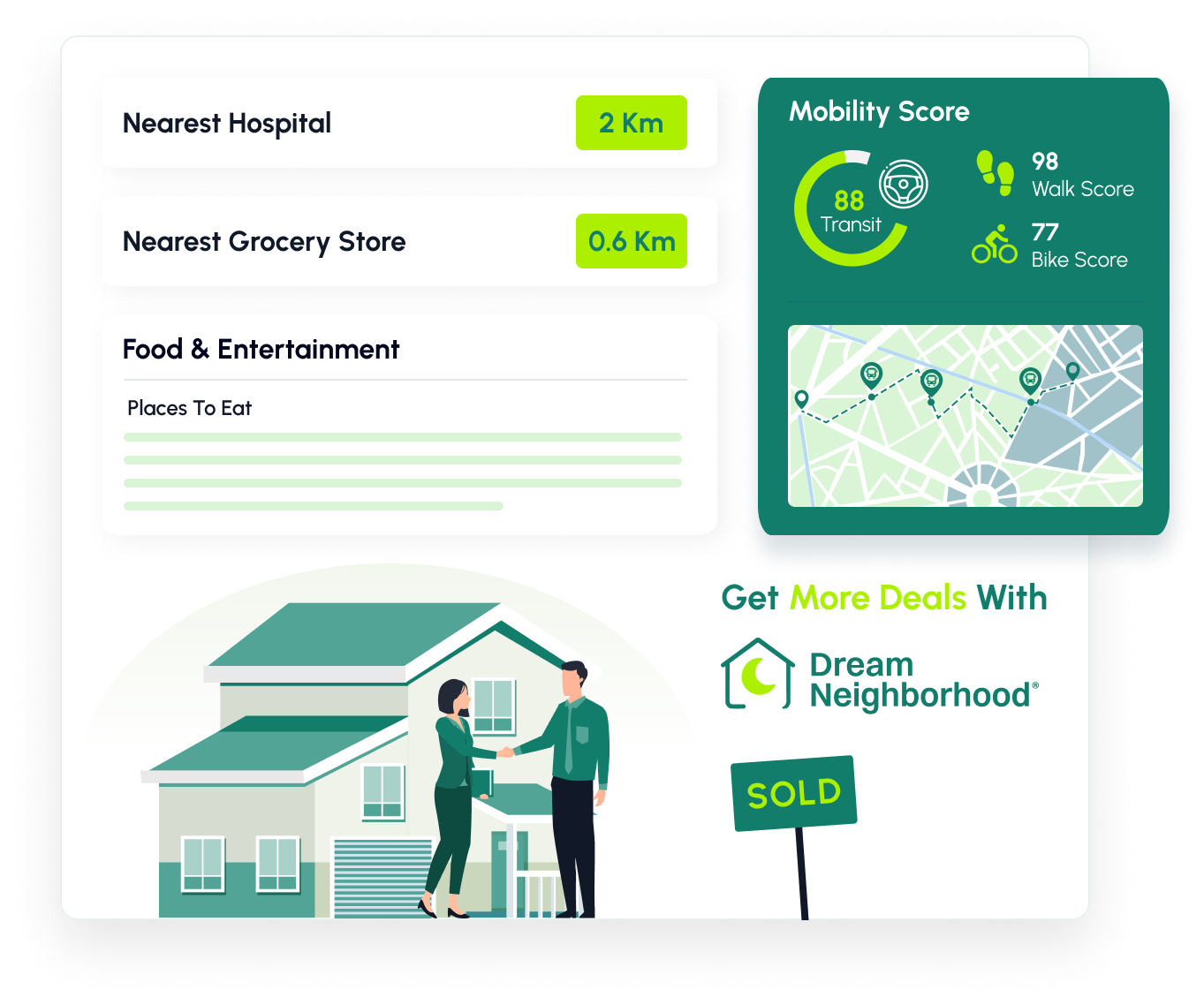
Nearest gyms, restaurants, grocery stores, shops, nightlife, dog parks, and hospitals
Interactive map of nearby spots so buyers can explore the neighborhood’s lifestyle
Commute time calculator so they can see how long it takes to get to work or other key locations
Core Neighborhood Insights

Population & People
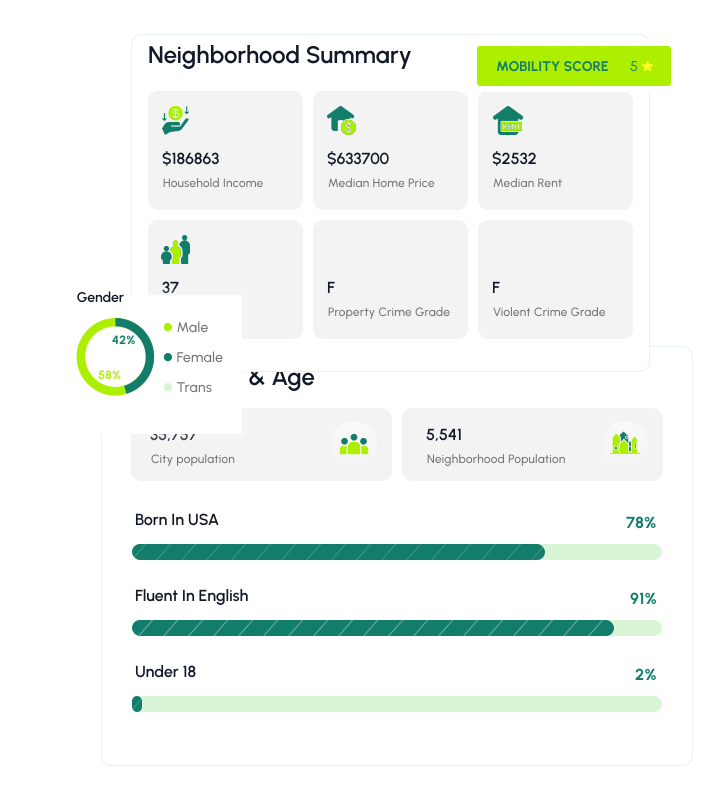
Population, age breakdown, household types, and mobility.

Education & Employment
Education levels, employment statistics, and local job indicators.

Housing & Market Trends
Home prices, rent levels, property types, and local market trends.

Safety & Politics
Crime scores with external references and local voting patterns—without any protected-class demographics.

Schools & City Info
Nearby schools with ratings, plus city history and context.
All data is aggregated at the census tract level and excludes race, ethnicity, and religion to comply with fair housing laws.

USE CASE 1
Send a private link to the widget before a viewing so buyers arrive already educated on the area. They spend less time asking “what’s around here?” and more time deciding if the home is right.


USE CASE 2
Follow up with a branded PDF or private link. Buyers can revisit the neighborhood details later with their partner or family without going down a Google rabbit hole.

USE CASE 3
When a buyer is undecided on neighborhoods, generate widgets for a few options and send them as private links. They can compare commute times, points of interest, and key stats on their own.

USE CASE 4
Pull up the widget on your phone or tablet at a showing. Walk buyers through schools, lifestyle spots, and commute times live while you’re standing in front of the house.

USE CASE 5
Add the widget with a lead form to your listings and neighborhood pages. Buyers unlock the insights by entering their details, and those leads go straight into your CRM.
1

Admins can invite all agents to a shared account. Each agent can:
- Create their own widgets
- Generate branded PDF reports
- Or simply use company-wide widgets and templates created by the admin.
2
Decide whether agents can build their own widgets/reports or only use those created at the brokerage level.
3
See which agents are generating the most leads, which widgets are viewed the most, and where engagement is coming from.
4
Pricing scales on widget views and reports, not per user, so you can grow your team without renegotiating seats.
Freemium for solo agents, usage-based pricing for growing teams.
Dream Neighborhood uses simple, usage-based pricing—no per-user fees or complicated contracts.
For higher volume (5k+ views), agencies, and enterprise brokerages, we offer custom plans tailored to your traffic and reporting needs.
We are here to help you. If you have any questions about Dream Neighborhood please reach out to support@dreamneighborhood.com
Dream Neighborhood has two components; 1) A simple web-based tool for real estate agents that gives you detailed neighborhood insights to share with clients through easy-to-embed widgets on your website. 2) Customizable PDF reports that you can share with your clients.. It provides important demographic, political and historical neighborhood based data that Zillow.com, Realtor.com and others don't provide.
Installing is easy and do-it-yourself: In your Agent Dashboard, create a custom embed code (it's an iframe snippet) with your branding and lead capture features. Just copy and paste it into your website's HTML, like on listing pages. The widget works great on both mobile and desktop. You can add it to as many spots as you want on one site.
Customize by choosing which of the 10 data sections to show or hide (like Population & Age or Crime). Pick an accent color to match your site, and for PDFs, add your notes and branding. If you need setup help.
Note: We offer a one-time $250 service to help install the widget on your site through Stripe—pay and schedule a quick guided session.
Our Freemium Plan is free - no credit card needed. It includes 100 widget views and 2 PDF reports, perfect for trying it out as a solo agent or casual user. A "view" is just when the widget loads on a page, or a user requests data on a new address.
If you need more, upgrade to paid plans starting at $150/month which include:
- 10,000 views
- 10 reports with unlimited distribution to customers
- Unlimited users (No per seat pricing)
- Unlimited widgets on your website
We bundle views and reports together to make it straightforward, with no hidden fees, or user fees.
No worries—we'll email you as you're getting close to your limit, and another when you reach it. Your Dream Neighborhood widget will also provide a friendly reminder.
It's straightforward: From your dashboard, pick a neighborhood or address using the interactive map, select which data sections to include, add your branding (like your name, and contact info). Then, generate a clean, printable PDF with 10 different sections of neighborhood data.. Feel free to share the PDF via email or print as many times as you like with multiple clients.
Our plans are great for teams too - No per user pricing. You can add as many users as you want without extra charges. Pricing just grows based on your total usage (views and reports), so bigger teams naturally pay a bit more only if they use more. It's fair and flexible for solo agents or groups.
For upgrades mid-month: We'll charge a prorated amount for the days left and give you instant access to the extra views and reports (for example, upgrading from 10,000 to 20,000 with 1,000 left means you get 11,000 right away).
Downgrades and cancellations happen at the end of your current billing cycle—you keep full access until then, but unused views or reports don't roll over. Cancel anytime before the next bill through your account settings or by emailing support@dreamneighborhood.com with “Cancel” in the subject..
Yes, your data is safe and secure—we follow all federal, state, and local laws, including fair housing rules by skipping protected info. Signing up means agreeing to our Terms and Privacy Policy (which covers how we use data for marketing) plus verifying your email. If you opt out, we automatically delete your account and info.
For any help or tech problems, email support@dreamneighborhood.com.


